Stock & Options Tracking / 4 MIN READ
How to Track Rolled Options in Excel Without Losing Your P&L
Learn how to record an options roll in Excel, preserve closing costs, and distinguish trade cash flow from actual profit and loss.
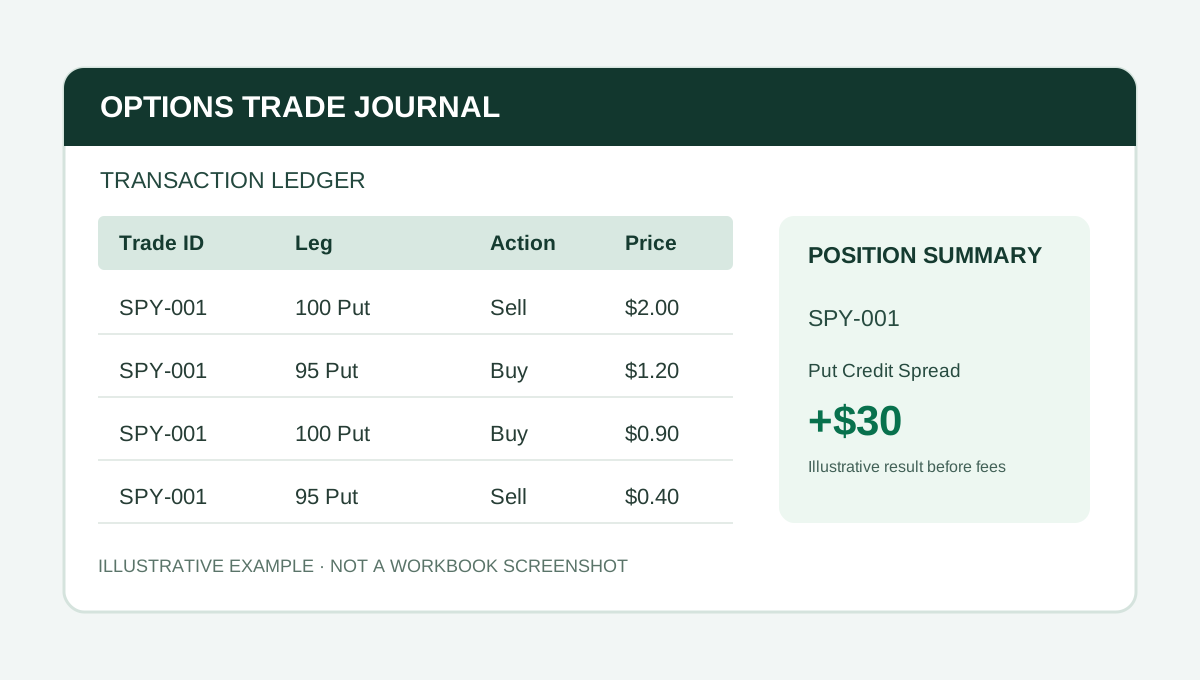
Rolling an option changes the contracts you hold. It does not erase the cost of closing the old ones. That distinction is easy to lose when a trading journal replaces the original row with the new expiration or strike.
The more reliable approach is to keep every fill and connect related transactions so you can see the full history. This guide uses hypothetical numbers for bookkeeping education, not a suggested options strategy.
What counts as a roll?
A roll generally means closing an existing option position and opening another one, often at a different strike or expiration. Your broker may present both actions as one order, but the journal should still account for the closing transaction and the replacement opening transaction.
A roll can bring in a net credit while the overall trade remains unprofitable. Net credit from a roll is not the same as realized profit.
Worked example: a short put rolled for a credit
Assume one equity option contract with a 100-share multiplier, ignoring commissions for the moment:
- Sell to open a put for $2.00: cash inflow $200.
- Buy to close that put for $3.50: cash outflow $350.
- Sell to open a replacement put for $4.00: cash inflow $400.
The roll transaction itself produces $50 net credit ($400 received minus $350 paid). But the first option has already realized a $150 loss ($200 received minus $350 paid). The replacement put remains open and carries an obligation. It is incorrect to label the $50 roll credit as a $50 overall profit.
If the replacement put is later bought to close for $2.50, that second contract realizes $150 profit before fees. Across both completed contracts, the combined realized result is $0 before fees.
A practical Excel ledger layout
Use one row per fill with columns for:
- Trade ID or campaign ID
- Fill date, ticker, expiration, option type, and strike
- Buy or sell, opening or closing, contract quantity, and fill price
- Fees, signed cash flow, and an optional adjustment note
For the example above, keep all four eventual fills rather than changing the first row to the replacement contract. This preserves the actual transaction trail and makes broker reconciliation possible.
Should a roll use the same Trade ID?
There are two legitimate conventions. With a continuous Trade ID, the opening position and later replacement legs stay grouped as one campaign. With separate linked IDs, each option position can be measured individually while still referencing the prior trade.
The best choice depends on what you want to analyze. The important part is to apply the same convention consistently, and never count a replacement credit as profit without considering the original close.
What about partial closes and multiple legs?
If you roll only one side of an iron condor, record the closed legs and replacement legs individually. Other legs may still be open. The journal needs to distinguish closed components from the remaining exposure.
Similarly, closing one contract out of a two-contract spread does not mean the entire position is closed. Position-level summaries must account for quantity and which legs remain.
Reconcile before trusting your dashboard
Check that the journal's contract multiplier, commissions, assignment or exercise events, and sign conventions match your broker records. An open position's cash balance is not its final P&L. Unrealized values require current marks and a documented valuation convention.
If you track return on capital, define the denominator. Initial defined risk, current remaining risk, and buying power are not interchangeable.
An Excel workbook for connected options trades
Options Command Center from The Finance Desk records individual fills under a shared Trade ID and provides position summaries, strategy reporting, and ticker views. Its standard edition includes a transaction ledger, dashboard, stock ledger, and manual import staging. Import is not live broker synchronization.
The standard workbook has capacity for 200 ledger rows, 40 position summaries, and 20 stock lots. Check the Payhip product page for compatibility, included files, and current pricing.
For a related walkthrough, read how to track credit spreads and iron condors in Excel.
The takeaway: a roll is a series of real transactions, not a reset button. Preserve the history and reconcile the whole position.
PUT IT INTO PRACTICE
Options Command Center
Connect fills, legs, rolls, and adjustments by Trade ID, with position summaries and strategy reporting.
View Options Command Center on PayhipCheck Payhip for current pricing and compatibility.
Educational content. Examples are fictional and should be adapted and checked against your own reporting policies.
More from Stock & Options Tracking →