Business Finance / 4 MIN READ
Budget vs. Actual in Excel: Variance Formulas and Common Mistakes
Calculate budget vs. actual dollar and percentage variances in Excel, including favorable or unfavorable results and zero-budget cases.
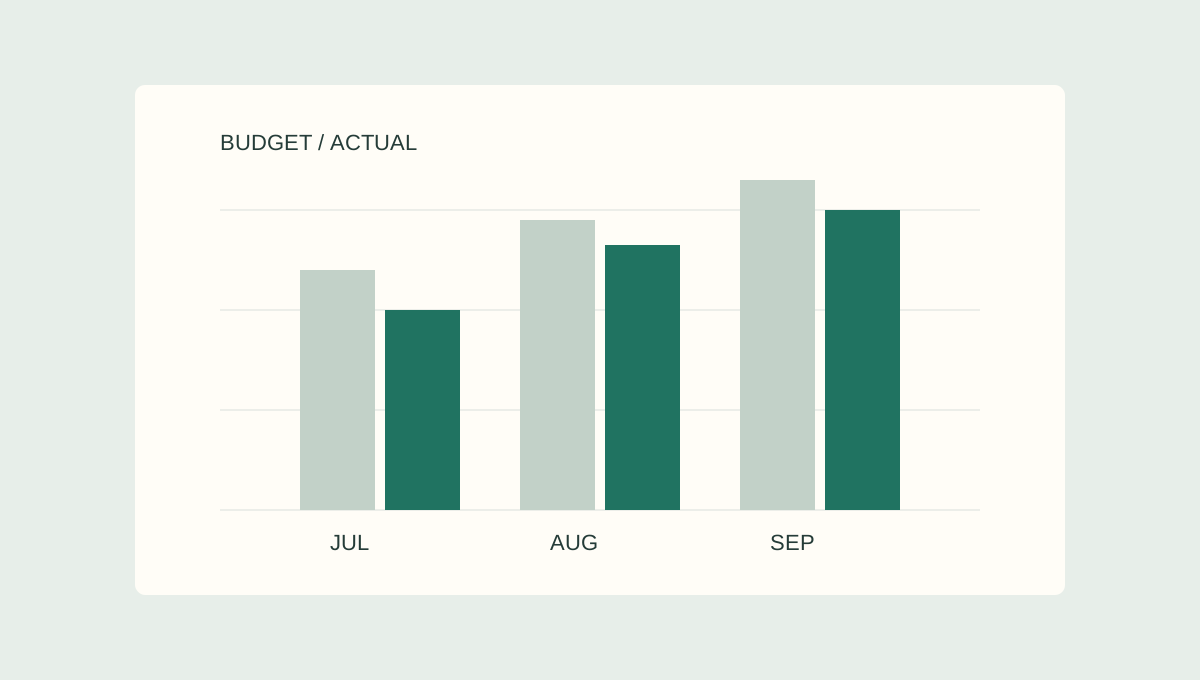
Budget versus actual analysis starts with a simple subtraction. The harder part is explaining whether the difference is good or bad, making sure percentages are meaningful, and keeping missing data separate from real zeros.
This guide uses fictional examples and a consistent convention: variance = actual − budget. It is an educational walkthrough, not a screenshot or feature demonstration of a paid workbook.
Dollar variance formula in Excel
Suppose column B contains the budget and column C contains the actual result. In D2, enter:
=C2-B2
A negative result means actual is below budget. A positive result means actual is above budget. That sign alone does not tell you whether the outcome is favorable.
For example, budgeted revenue of $100,000 and actual revenue of $92,000 produce a −$8,000 variance. Budgeted payroll of $40,000 and actual payroll of $45,000 produce a +$5,000 variance.
Percentage variance formula
For a nonzero budget, percentage variance is:
=(C2-B2)/B2
Format the cell as a percentage. Do not multiply by 100 if the cell already uses Excel's percentage format.
For revenue, −$8,000 divided by $100,000 is −8%. For payroll, +$5,000 divided by $40,000 is +12.5%.
A percentage answers how large the movement is relative to the budget. A dollar variance answers how much money moved. Both matter when deciding what to investigate.
What if the budget is zero?
If the budget is zero, a percentage variance using budget as the denominator is undefined. Reporting 0% would incorrectly suggest that nothing changed.
For numeric values in B2 and C2, this Excel formula displays N/M when the budget is zero:
=IF(B2=0,"N/M",(C2-B2)/B2)
Keep the dollar variance visible. If the budget was $0 and actual expense was $2,000, the dollar variance is +$2,000 while the percentage variance is N/M.
A blank actual cell may mean data has not arrived, not that actual equals zero. Validate source completeness before using any formula that treats blanks as zero.
Favorable versus unfavorable variances
Using actual minus budget, the direction depends on the line item:
- Revenue: actual above budget is usually favorable; actual below budget is usually unfavorable.
- Expense: actual below budget is usually favorable; actual above budget is usually unfavorable.
- Profit: actual above budget is usually favorable, assuming the underlying results are comparable.
These labels are starting points. Lower expense may be unfavorable if it reflects a missed activity or delayed investment. Use business context rather than relying entirely on color formatting.
A worked two-line example
Here is one fictional monthly report:
- Revenue: Budget $100,000; actual $92,000; dollar variance −$8,000; percentage variance −8%; generally unfavorable.
- Payroll: Budget $40,000; actual $45,000; dollar variance +$5,000; percentage variance +12.5%; generally unfavorable.
If these were the only two lines, the illustrative contribution after payroll would be $60,000 budgeted and $47,000 actual, a −$13,000 difference. This is not a complete income statement or a claim about EBITDA.
The next question is not merely which rows are red. Ask whether revenue missed budget because of price, volume, or timing, and whether payroll exceeded budget because of overtime, staffing, or accrual timing. Investigate with underlying records before declaring a cause.
Three mistakes to avoid
- Calling every positive variance favorable. Positive expense variances are generally unfavorable under the actual-minus-budget convention.
- Displaying 0% for a zero budget. Use N/M or another clearly explained label, while retaining the dollar amount.
- Mixing percentages with percentage points. A gross margin rate falling from 42% to 39% is a decline of three percentage points, not three percent.
Negative budgets, credits, and reversals need an explicitly documented policy for percentage comparisons. Do not silently use an absolute denominator without explaining the convention.
Turn the variance into a useful explanation
Once you have verified the calculation and the underlying drivers, write a short management note: state the result, identify the supported cause, describe whether it is temporary or ongoing, and assign a next action.
For worked commentary examples, read our guide to budget vs. actual variance commentary. For the broader reporting cycle, see the monthly financial review checklist.
The Finance Desk also offers Variance Brief on Payhip, an Excel budget-versus-actual analysis and commentary toolkit. Check the product listing for current workbook features, compatibility, and pricing before purchasing.
PUT IT INTO PRACTICE
Variance Brief
Compare actuals with budget and forecast, investigate material variances, and draft commentary from your inputs.
View Variance Brief on PayhipCheck Payhip for current pricing and compatibility.
Educational content. Examples are fictional and should be adapted and checked against your own reporting policies.
More from Business Finance →